January 2023 Product Update

We have continued to improve the product over the past month and have made some significant updates.
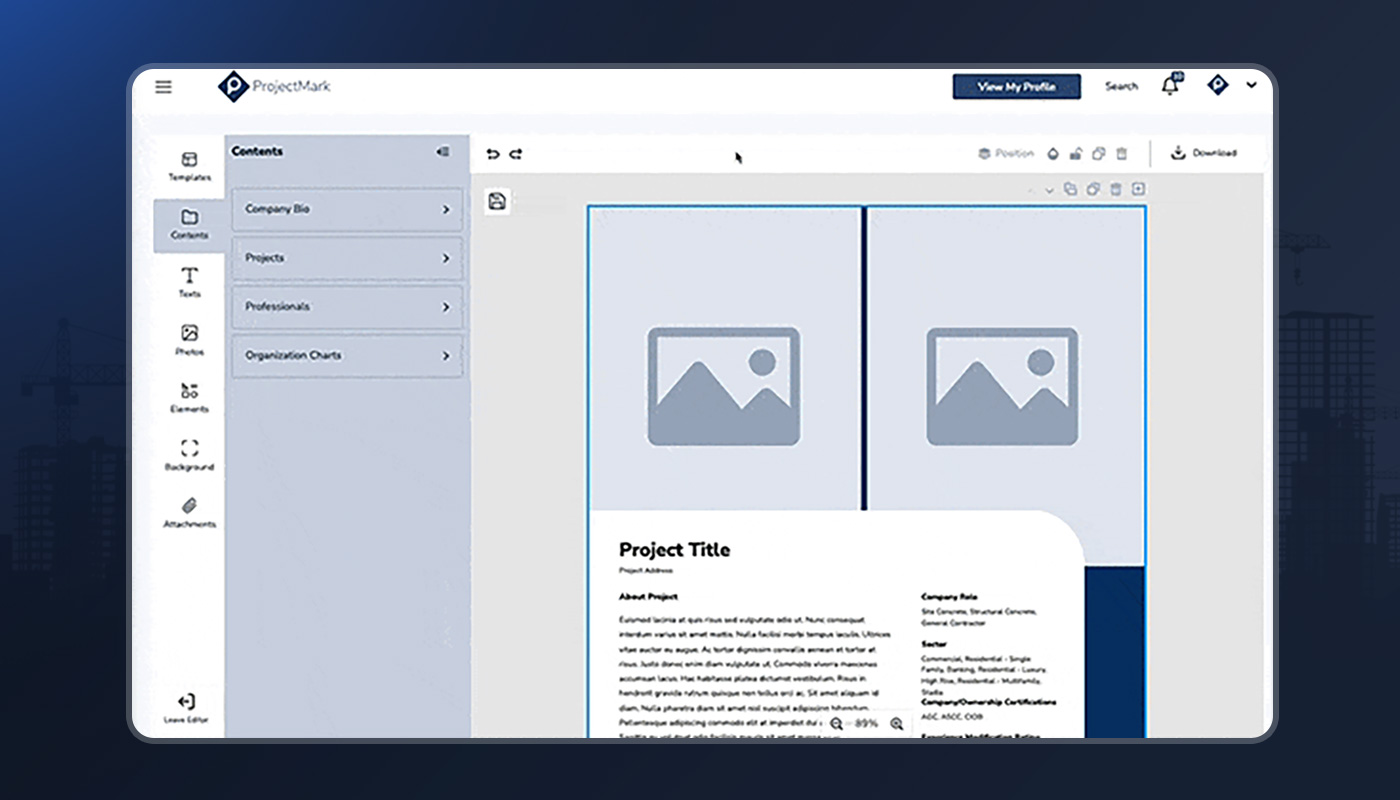
- Textbox Interaction - we have changed the way a user can interact with a textbox. A single click on a textbox selects the element. A double click enters the textbox in edit mode, selecting all text by default. This behavior is more consistent with other design software and so should be a more familiar workflow for users. Please test it out and let us know your feedback.
- Margin Guides - Building on last month's feature release, we have now added pixel dimensions to the guides, activated by selecting the guide.
- Resume Creation/Saving Improvements - We have further streamlined how resumes can be created and updated through the Team hub. Now all new and existing resumes created/updated through the Team>Resumes hub will automatically sync within your Content Hub in Design+.
- Resume Download - You now download resumes directly from the Team>Resumes hub.
- Image Limits - We have removed the size and quantity limits on image uploads. Upload any file size via the Company, Project, Team, or Design+ hubs.
- Bug Fixes - We have deployed fixes relating to downloading files, textbox behavior, and SVG rendering.
- Bulk Import - Just a reminder that we have created an easier way to get your data into ProjectMark. In the Projects section, you can now mass import thousands of projects in a matter of moments. Our data mapping tool allows you to intuitively match your project data fields to your ProjectMark data fields.
Related Posts